 logo
logo
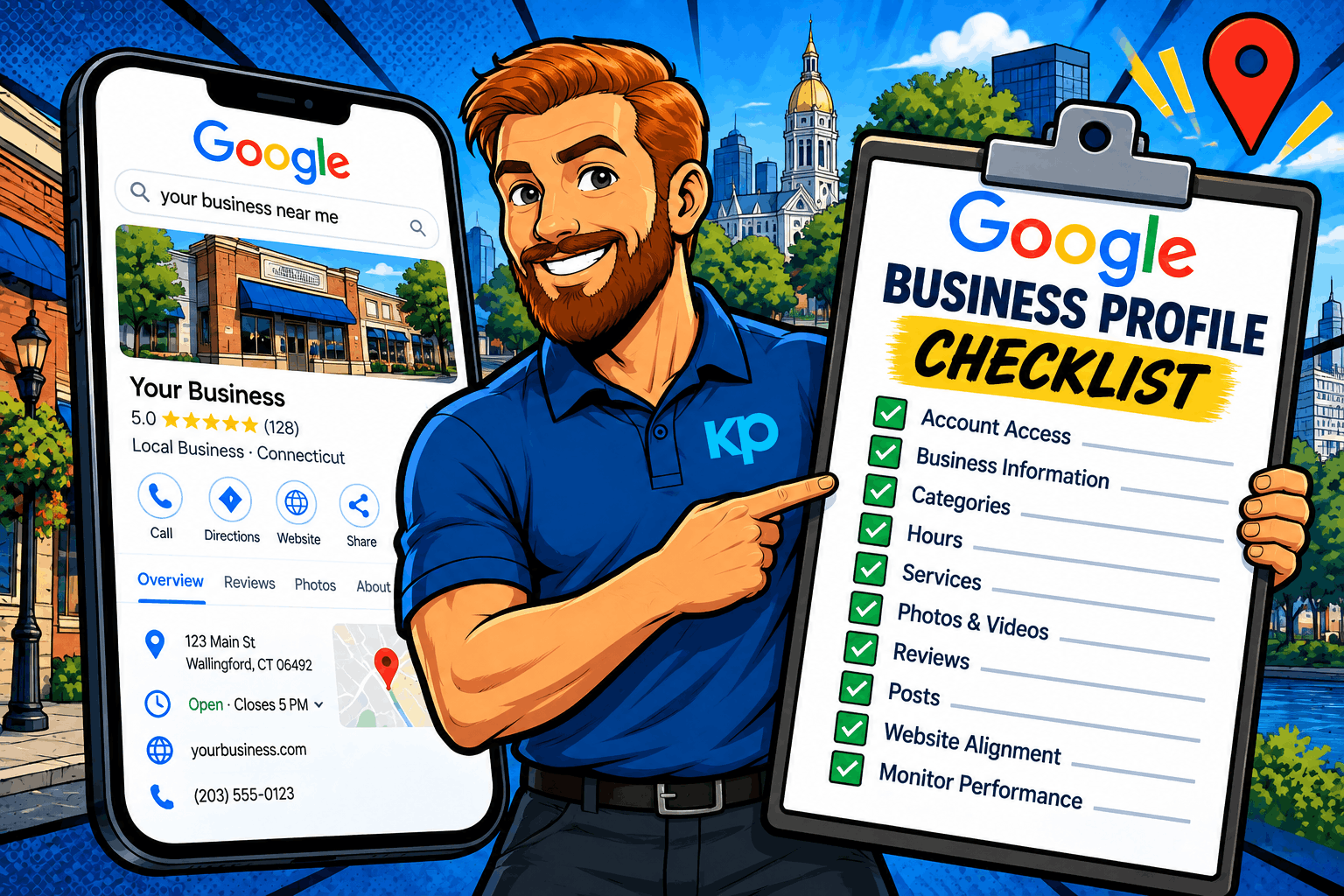
If you own a local business in Connecticut, your Google Business Profile can be one of the first things potential customers see when they search for the products or services you provide.
But simply having a profile isn’t enough.
Outdated hours, incorrect categories, unanswered reviews, old photos, missing services, or inconsistent business information can make it harder for potential customers to understand—and choose—your business.
That’s why Google Business Profile optimization shouldn’t be a one-time project.
Use this Google Business Profile optimization checklist to audit your listing, strengthen your local presence, and make it easier for customers to find and contact your business.
1. Confirm Who Has Access to Your Google Business Profile
Start with something many businesses overlook: account access.
Businesses change employees, marketing companies, vendors, and ownership over time. Unfortunately, access to important marketing accounts doesn’t always get updated along the way.
Check your Google Business Profile and confirm:
☐ The appropriate business owner has the proper access
☐ Current marketing partners have the access they need
☐ Former employees no longer have unnecessary access
☐ Previous agencies or vendors have been removed when appropriate
☐ Access isn’t dependent entirely on one employee’s account
Knowing who controls your profile can prevent headaches later—especially if you need to make an urgent change.
2. Verify Your Business Name, Address and Phone Number
Your core business information should be accurate everywhere customers encounter your company.
Review:
☐ Business name
☐ Address, if displayed
☐ Phone number
☐ Website URL
☐ Service areas
☐ Business hours
Your Google Business Profile information should also be consistent with the information customers see on your website and other important business listings.
Avoid adding unnecessary keywords to your business name in an attempt to improve rankings. Your profile should accurately represent the name your business uses in the real world.
3. Review Your Primary and Secondary Categories
Your business categories help Google understand what your company actually does.
Start with your primary category.
Ask yourself:
Does this category accurately represent our main business?
Then review your secondary categories to determine whether important services are missing—or whether outdated and irrelevant categories should be removed.
For example, a business shouldn’t select every category remotely related to its industry simply because it wants to appear for more searches.
Focus on accuracy and relevance.
Quick category checklist:
☐ Primary category represents your core business
☐ Secondary categories reflect legitimate additional services
☐ Irrelevant categories have been removed
☐ Categories are reviewed periodically as your services evolve
4. Check Your Business Hours
Few things frustrate customers more than driving to a business that Google says is open—only to discover that it’s closed.
Review your:
☐ Regular business hours
☐ Weekend hours
☐ Holiday hours
☐ Seasonal hours
☐ Special hours
☐ Temporary closures
Make updating your Google Business Profile part of your routine whenever your operating hours change.
Accurate hours don’t just improve your profile. They improve the customer experience.
5. Complete Your Services and Business Information
A potential customer shouldn’t have to guess what your company does.
Depending on your business category and the features available to your profile, review your:
☐ Business description
☐ Services
☐ Products, when applicable
☐ Business attributes
☐ Appointment or booking links
☐ Website links
☐ Service areas
Use clear, natural language that helps customers understand your business.
This isn’t the place to cram dozens of keywords into every field.
Write for the customer first.
6. Audit Your Google Reviews
Reviews can heavily influence whether someone chooses your business or continues looking.
Your review strategy should therefore be ongoing.
Ask:
☐ Are we consistently receiving new reviews?
☐ Are we responding to reviews?
☐ Are there negative reviews that still need a thoughtful response?
☐ Do we have an easy process for requesting reviews?
☐ Are employees trained to ask satisfied customers for feedback?
☐ Are all reviews genuine and based on real customer experiences?
A simple review request process can make a significant difference over time.
Send satisfied customers directly to your review page through an email, text message, QR code, or follow-up communication.
One important rule: don’t buy reviews or offer incentives in exchange for positive Google Reviews.
Focus on earning authentic feedback from real customers.
For a deeper strategy, read our guide on How to Get More Google Reviews.
7. Refresh Your Photos and Videos
When was the last time you looked at the photos on your profile?
If most of them are several years old, it’s probably time for an update.
Consider adding:
☐ Current team photos
☐ Exterior photos
☐ Interior photos
☐ Recent projects
☐ Before-and-after examples
☐ Products
☐ Equipment or company vehicles
☐ Short videos
☐ Photos showing your team at work
Real photos can help customers understand what to expect from your business while making your profile feel current and active.
A Connecticut contractor, for example, might show recent local projects. A restaurant might feature new dishes. A professional services firm could introduce its team.
Show customers the real business behind the listing.
8. Publish Useful Google Business Profile Updates
Your profile doesn’t have to remain static.
When appropriate, use Google Business Profile updates to highlight information that may help someone considering your business.
Potential topics include:
- Recent projects
- Seasonal services
- Company updates
- Events
- Helpful tips
- New services
- Special offers
Don’t post just for the sake of posting.
Instead, ask:
Would this information be useful to someone deciding whether to contact us?
If the answer is yes, it’s probably worth sharing.
9. Make Sure Your Website Supports Your Google Business Profile
Google Business Profile optimization doesn’t happen in isolation.
Your website and profile should reinforce one another.
Check that your website has:
☐ Accurate business contact information
☐ Clear service pages
☐ Useful location information
☐ Mobile-friendly design
☐ Fast-loading pages
☐ Logical internal links
☐ Clear calls to action
☐ Relevant local content
☐ Appropriate structured data where applicable
For Connecticut businesses, local relevance should also occur naturally throughout the website.
If you serve New Haven County, Hartford County, Fairfield County, or communities throughout Connecticut, explain where you actually work and what you provide there.
Avoid creating dozens of nearly identical city pages simply to insert different town names.
Useful local content should provide value beyond a ZIP code.
10. Check How Your Business Appears in Google Maps
Searching your company name isn’t enough.
Of course you’re likely to appear when someone already knows exactly who you are.
The bigger question is:
Do customers discover your business when they don’t know your name yet?
Think about searches such as:
“plumber near me”
“HVAC contractor in Wallingford CT”
“dentist in New Haven”
“SEO company Connecticut”
“roofing company near me”
Local search results can vary significantly depending on where the person searching is located.
That’s why local rank-tracking and map-grid tools can be valuable. They help businesses see how their Google Maps visibility changes across different geographic areas instead of relying on a single search from one location.
This is one of the reasons we use specialized Local SEO tools when evaluating local search performance.
11. Review Your Google Business Profile Performance
Don’t optimize your profile and then forget about it.
Review performance regularly to understand how customers are discovering and interacting with your business.
Depending on the data available for your profile, monitor metrics such as:
☐ Searches
☐ Profile views
☐ Website interactions
☐ Phone interactions
☐ Direction requests
☐ Other customer actions
Then compare performance over time.
Did visibility improve?
Are more people discovering the business?
Are those people taking meaningful actions?
Which searches appear to be driving visibility?
Optimization without measurement is guesswork.
Your Monthly Google Business Profile Optimization Checklist
You don’t need to rebuild your profile every month.
A quick monthly review can help catch problems before they become bigger issues.
MONTHLY GBP CHECKUP
☐ Verify your business name, address and phone number
☐ Review regular and special business hours
☐ Check your primary and secondary categories
☐ Review services and business information
☐ Upload recent photos
☐ Respond to new Google Reviews
☐ Request reviews from recent satisfied customers
☐ Check for outdated information
☐ Publish a useful update when appropriate
☐ Review Google Maps visibility
☐ Review profile performance
☐ Compare results with the previous month
Save this checklist and revisit it once a month.
Twenty minutes of maintenance can help prevent a Google Business Profile from becoming outdated while keeping your local presence aligned with your business.
Google Business Profile Optimization Is an Ongoing Process
Creating a Google Business Profile is only the beginning.
Strong local visibility comes from maintaining accurate business information, earning authentic reviews, publishing useful content, improving your website, and consistently evaluating how customers find your business.
And your Google Business Profile should be part of a broader Local SEO strategy—not treated as a standalone marketing channel.
At Keyword Performance, we help Connecticut businesses connect Google Business Profile optimization, Local SEO, website optimization, reviews, content, and search strategy to improve visibility where local customers are actively searching.
If you’re not sure whether your Google Business Profile is fully optimized—or you aren’t seeing the local rankings, phone calls, and leads you expect—our team can help identify where opportunities are being missed.
Ready to improve your local visibility?
Talk with Keyword Performance about a Local SEO strategy for your Connecticut business.
Frequently Asked Questions About Google Business Profile Optimization
How do I optimize my Google Business Profile?
Start by completing your business information, selecting accurate categories, adding your services and hours, uploading current photos, collecting authentic customer reviews, responding to reviews, and keeping your information updated. Your website and broader Local SEO strategy should also support the information on your profile.
How often should I update my Google Business Profile?
Review your profile at least monthly and update important information immediately whenever something changes. Business hours, holiday schedules, services, photos, contact information, and other customer-facing details should remain accurate.
Does Google Business Profile help with Local SEO?
Yes. A complete and accurate Google Business Profile is an important part of Local SEO and can help eligible businesses appear in Google Maps and local search results. Your overall local visibility also depends on factors such as relevance, distance, prominence, website optimization, reviews, and broader online authority.
Do Google Reviews help local rankings?
Reviews are important for both visibility and customer trust. Google considers review signals as part of local prominence, while potential customers often use ratings, review volume, recency, and the actual comments customers leave when deciding which business to contact.
Should I add keywords to my Google Business Profile name?
Only if those words are genuinely part of your real-world business name. Adding extra keywords solely to manipulate search rankings can violate Google’s Business Profile guidelines.
Why doesn’t my business rank everywhere in Google Maps?
Local search results aren’t identical everywhere. The searcher’s location matters, along with relevance and prominence. A business may rank strongly close to its location but become less visible as the searcher moves farther away. This is why evaluating Maps visibility from multiple geographic points can provide a more realistic picture of local performance.