 logo
logo
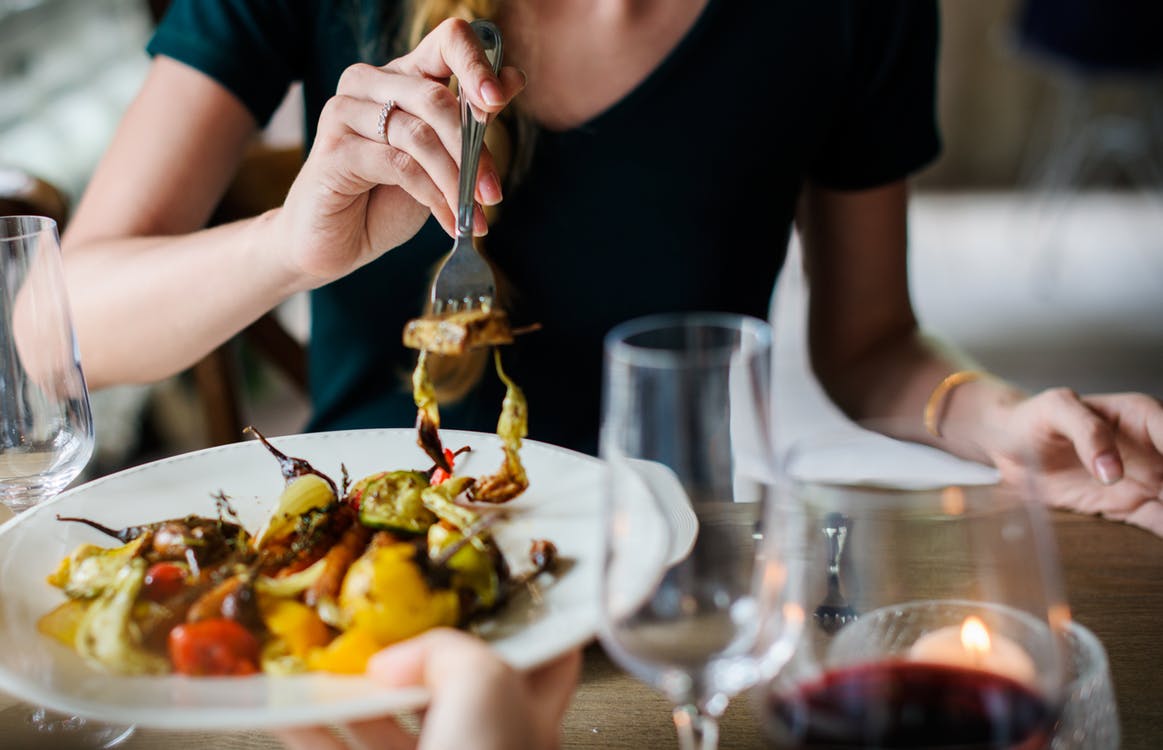
Getting your restaurant onto the first page of Google, and into the map results people see when they search “near me,” takes steady work on a few basics, so these SEO tips for restaurants focus on what matters most. There is plenty of competition, but most restaurants skip the same few steps, which is where you can pull ahead. Here are four things to get right.
SEO Tips for Restaurants, Step 1: Get Your Google Business Profile Right
For local searches, your Google Business Profile is the most important listing you have. Think of it as a second homepage. It is often the first thing a hungry searcher sees, so it needs to answer their questions before they ever visit your website.
Fill In Everything Google Asks For
Start with the basics: your restaurant name, address and phone number, your hours, your cuisine or restaurant type (pizza, Thai, steakhouse), a link to your menu, and a short description of what makes you different. Add links for ordering and reservations if you offer them. Then keep your hours current, including holidays. A listing that shows the wrong hours sends customers to a competitor, and it costs you reviews when people show up to a closed door.
Add Photos, Videos and Posts
People choose restaurants with their eyes. Upload clear photos of your best dishes, your dining room, your bar, your outdoor seating and your storefront so people can recognize it when they arrive. Photos also answer questions before anyone asks them. Can I sit down? Is it casual or dressy? Is there parking nearby? Add short videos when you have something worth showing, and use posts to promote specials, events and seasonal menus.
Answer your reviews, good and bad, in a friendly and professional tone. Reviews are a major factor in local rankings and in whether someone picks you.
2. Keep Your Business Details Consistent Everywhere
A citation is any mention of your business name, address and phone number (NAP) on another site. Search engines compare these details across the web to decide whether your listing can be trusted. If your name, address or phone number differs from site to site, you create doubt. It is the same as one menu listing a steak at one price and another listing it at a different price. Customers start asking questions, and so do search engines.

The Listings That Matter For Restaurants
You do not need hundreds of listings. Focus on the ones people actually use: Google Business Profile, Apple Business Connect, Bing Places, Facebook, Yelp and TripAdvisor. If you take reservations, add OpenTable or whichever platform you use. If you deliver, make sure your DoorDash, Uber Eats or Grubhub profiles are accurate and complete. Fill these profiles out fully, with photos and your menu, because they can bring in customers directly.
Find and Fix Duplicate Listings
Duplicates make it harder for search engines to decide which listing is the real one. To find them, run a quick NAP audit. Make a simple spreadsheet with one row per site and columns for the listing URL, name, address, phone number and website. Then search Google for your restaurant name along with the site name, for example “yelp your restaurant name.” Check any old addresses or phone numbers you have used too, since those are where duplicates tend to hide.
If you find a duplicate, claim it and ask for it to be merged or removed. Many sites, including Google, have a “suggest an edit” option for this.
3. Write Title Tags and Descriptions People Want to Click
The title tag is the clickable headline for each page in search results, and the meta description is the short text under it. Neither one makes your food better, but both decide whether someone clicks your result or the one below it.

Good restaurant titles say what you are and where you are. Compare “Home” with “Wood-Fired Pizza in Hartford | Dine-In, Takeout and Delivery.” The second one tells searchers right away that you match what they typed. Use the words your customers use. Start typing your cuisine and city into Google and see what it suggests, and check the “People also ask” box for the questions people raise before they choose a place to eat.
Keep titles short enough that they are not cut off. Around 55 to 60 characters usually works, and your SEO plugin will show you a preview of how the result will look. Write a different title and description for every page, including your menu, catering and private event pages.
4. Add Schema Markup
Schema is code that tells search engines what your content means, not just what it says. For a restaurant, it can tell Google your name, address, phone number, hours, cuisine, price range, menu link and reservation link in a format it can read easily. It is not a direct ranking factor, but it helps search engines understand your pages and can make you eligible for richer results.
Many people avoid schema because it looks like code. You do not have to write it by hand. A tool like Merkle’s Schema Markup Generator builds it for you. Choose the Local Business type, then pick Restaurant, and fill in the fields. Before you publish, check it with Google’s Rich Results Test or the Schema Markup Validator.
On WordPress, the safest way to install it is an SEO plugin that supports local business schema, or a header and footer snippet plugin. Avoid editing theme files like header.php directly, because a theme update can overwrite your changes. Once it is live, run your homepage through the Rich Results Test again to confirm it is detected.
One More Thing: Put Your Menu On the Page
Many restaurants upload their menu as a PDF or a photo. Search engines and screen readers cannot always read those well, and they are hard to use on a phone. Put your menu on a page as real text, with dish names and short descriptions. It gives you something to rank for, and it makes it easy for hungry visitors to see what you offer.
If you want help with any of this, take a look at our local SEO services. If you are a restaurant owner in Connecticut, drop us a line. We are always glad to help businesses in our own backyard.