 logo
logo
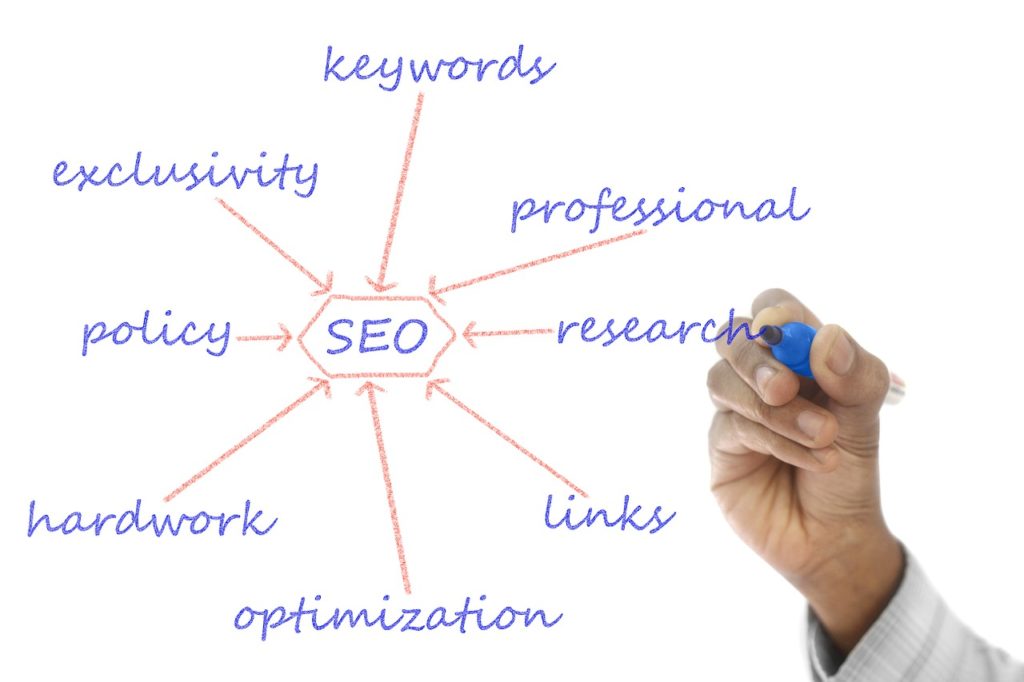
Whether you run an auto repair shop, a restaurant or an HVAC company, SEO can help turn a small business into a bigger one. If your website has been around a while but leads have stayed flat, it is time for an SEO audit.
An SEO audit sounds technical, but it is really a checklist. You look at whether Google can find your site, what you show up for, what you should show up for, and whether visitors can easily take the next step. This guide walks through seven steps you can do yourself.

You will need a few free tools: Google Search Console, Google Analytics, the free version of Screaming Frog SEO Spider (which crawls up to 500 URLs) and your Google Business Profile. Bing Webmaster Tools is a useful extra.
Step 1: Make Sure Google Can Find Your Site
You would be surprised how many healthy looking websites are not fully indexed. Start by typing site:yourdomain.com into Google. The results show roughly which pages Google knows about. Then open Search Console and look at the Pages report under Indexing. It lists which pages are indexed and gives reasons for the ones that are not.
Next, run your domain through Screaming Frog and click Start. Compare the number of pages it finds with what Google shows. If the numbers are far apart, look for pages blocked by robots.txt, pages marked noindex, and important pages with no links pointing to them. Those are the first things to fix.
Step 2: Review Your Local Listings
For a local business, your listings are part of your SEO. Create a spreadsheet and log the URL of each one: Google Business Profile, Apple Business Connect, Bing Places, Yelp, Facebook, and any industry directories you use. Check that your business name, address and phone number are identical everywhere.
Your Google Business Profile deserves the most attention. It works like a second homepage, and it is what shows up in the map results. If you do not have a verified profile, start at business.google.com. If you do, fill out everything: categories, services, hours, description, photos and your website link. Apply the same thoroughness to every other listing you claim.
Step 3: See What Your Key Pages Rank For
Before you change anything, find out where you stand. In Search Console, open Performance, then Search results. Add a filter for Page, choose “URL is exactly,” and enter your homepage. The Queries tab then shows which searches the page appears for, how many clicks it gets, and its average position.
Start with the homepage, then repeat the process for each service page. If you are an HVAC company, for example, you would want your heating page to show up for searches like “furnace repair near me.” When a page appears for the wrong terms, or only appears at the bottom of page two, that tells you where the work is.
Step 4: Find the Keywords You Are Missing
Even if you see some good searches in Search Console, your site may be missing others. A simple way to find them is to look at your competitors. Search for your main service and your city, scroll past the map listings, and open the top organic result. Look at how the page is structured, what it covers and what questions it answers. Google’s autocomplete suggestions and the “People also ask” box show you the phrases customers actually use.
Then ask whether you have a page that covers the same topic. If you do, what is that page doing that yours is not? If you do not, you have found a new page to write. For a full walkthrough, see our step by step guide to keyword research.
Step 5: Check Your Link Profile
SEO comes down largely to content and links. To rank well you need useful pages and links from reputable sites. In Search Console, open the Links report to see which sites link to you and which pages get the most links. Most sites pick up a few odd links over time, and Google is generally good at ignoring them.
You only need to take action if you see a large number of obviously spammy links that you or a former agency paid for, or if you have a manual action notice in Search Console. In those cases, ask the sites to remove the links, and use Google’s disavow tool as a last resort. For everyone else, your time is better spent earning good links, through local sponsorships, partners, suppliers and quality press. Our link building services can help with that.
Step 6: Fix the Easy Technical Problems
Start with the page titles, since they are one of the most important on-page elements. In Screaming Frog, open the Page Titles tab to find titles that are missing, duplicated or too long. Rewrite them so each page has a unique title that includes its main keyword and a reason to click. Do the same for meta descriptions. In WordPress you can edit both with Yoast.
While you are in Screaming Frog, check the Response Codes tab for broken links and pages that return errors. Then open the Core Web Vitals and Mobile Usability sections in Search Console to look for slow or hard to use pages. Fixing these gives you quick wins before you move on to bigger changes.
Step 7: Review Your Site Structure and Conversions
SEO should bring in customers, not just visitors, so check that people can find what they came for. In Google Analytics, open the Traffic acquisition report and filter it to Organic Search. Then look at the Landing pages report to see which pages people arrive on from Google.
If your most important service pages are not on the list, or a page you rely on for leads gets very little traffic, check how easy it is to reach from the rest of the site. Is it in your main menu? Is it linked from your homepage and related pages? A common fix is as simple as adding a clear navigation link to a service that people already search for.
Finally, make sure you are tracking the actions that matter, such as form submissions, phone calls and quote requests. Without that, you cannot tell which pages are bringing in leads, and you cannot tell whether your changes are working.
What to Do Next
Work through the steps in order and write down what you find. Fix the small things first, and then plan the bigger ones, like new service pages and better local listings. Rankings move gradually, so check back every month or so and keep improving.
If you would like an expert to run the audit for you, see our SEO audit services and our small business SEO services, or contact Keyword Performance today.
Once your site is in good shape, you can start to see the benefits of SEO in traffic and leads.